KDP Dot Grid Paper 51: Streamlined Journal Interiors
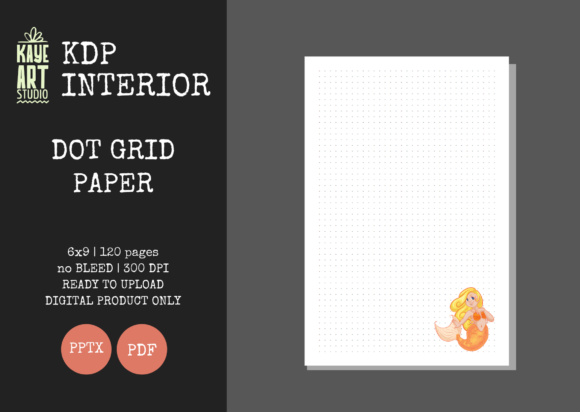
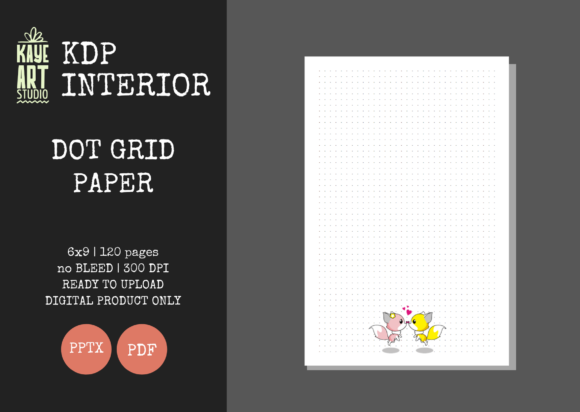
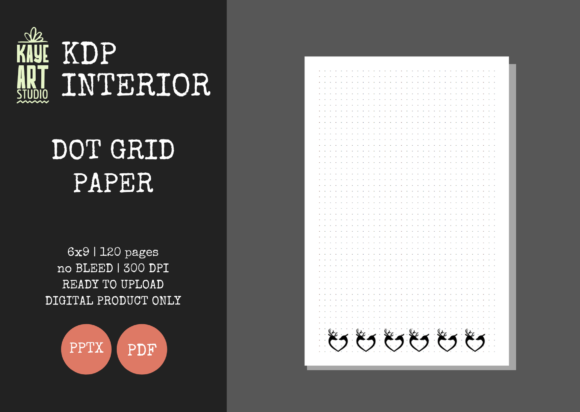
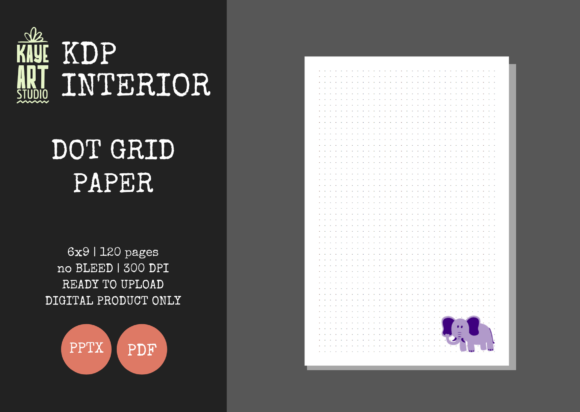
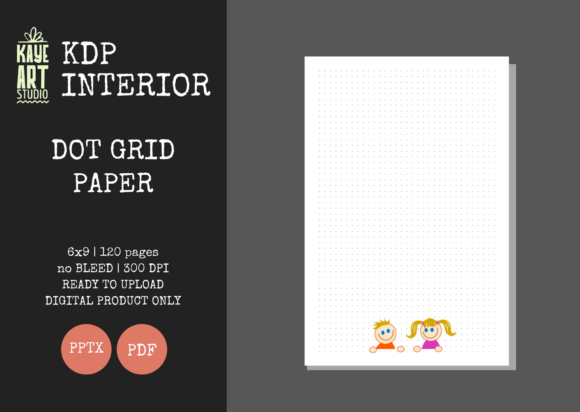
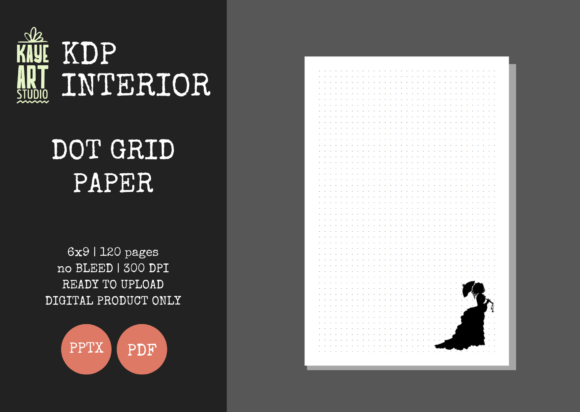
Building a sustainable no-content or low-content publishing business on Amazon requires more than just uploading generic templates; it demands efficiency, consistency, and professional quality. KDP Dot Grid Paper 51 serves as a foundational asset for creators looking to expand their catalog without sacrificing production standards. This specific interior template is engineered to bridge the gap between creative flexibility and technical compliance, offering a reliable solution for publishers who need to move quickly while maintaining high-resolution output. By utilizing a pre-formatted 6x9 inch layout with precise no-bleed settings, this resource eliminates the most common formatting errors that lead to rejection or poor customer reviews.
The value of this template lies in its dual-format delivery system. While many KDP interiors are locked into static PDFs, KDP Dot Grid Paper 51 includes an editable PowerPoint (PPTX) file alongside the print-ready PDF. This distinction is critical for entrepreneurs who want to differentiate their products in a saturated market. Rather than competing with thousands of identical dot grid journals, you have the ability to adjust margins, add branding elements, insert introductory pages, or modify the dot opacity to create a unique user experience. This level of customization transforms a basic commodity into a branded product line, directly impacting perceived value and customer satisfaction.
Technical Specifications and Quality Assurance
Understanding the technical parameters of your interior files is non-negotiable for KDP success. This template is configured specifically for the 6x9 inch trim size, which remains the industry standard for trade paperbacks and journals due to its portability and shelf presence. The file is set to NO BLEED, a crucial specification that ensures all content stays within the safe zone. Bleed errors are among the top reasons for manuscript rejection, and using a pre-validated no-bleed template mitigates this risk entirely. The 120-page count provides substantial utility for end-users without driving up printing costs excessively, keeping your royalty margins healthy.
Resolution is another area where amateur publishers often fail. KDP Dot Grid Paper 51 is rendered at 300 DPI, ensuring that dots appear crisp and sharp rather than pixelated or fuzzy when printed. Low-resolution interiors result in negative feedback regarding print quality, which can permanently damage a book’s ranking. Furthermore, the files have been tested on KDP’s previewer and validation tools prior to release. This testing phase saves hours of troubleshooting and allows you to focus on marketing and niche research rather than fixing margin errors or resolution warnings. When you download this asset, you are acquiring a verified production component, not just a graphic design file.
Versatile Applications Across Niches
Dot grid paper occupies a unique middle ground between lined notebook paper and blank sketch pads, making it exceptionally versatile for various target audiences. For professionals and entrepreneurs, this format supports bullet journaling methodologies that require structured yet flexible layouts. Users can draw charts, create habit trackers, map out project timelines, or take meeting notes without feeling constrained by horizontal lines. In the educational sector, students prefer dot grids for STEM subjects where graphing and diagramming are necessary alongside textual note-taking. The subtle guidance of the dots helps maintain alignment for equations and scientific illustrations while leaving ample white space for annotations.
Creative professionals also benefit significantly from this specific interior style. Designers, architects, and artists use dot grids for wireframing, storyboarding, and preliminary sketches because the points provide spatial reference without visual clutter. Unlike heavy graph lines that interfere with artwork, the minimal dot pattern recedes into the background during reproduction. For the wellness and mindfulness niche, dot grids facilitate mandala creation, gratitude logging, and freeform meditation practices. By targeting these specific use cases in your book description and keywords, you can position KDP Dot Grid Paper 51 as a specialized tool rather than a generic notebook, thereby attracting higher-intent buyers.
Leveraging Editable Files for Brand Differentiation
The inclusion of an editable PPTX file is perhaps the most significant strategic advantage of this listing. Most KDP sellers operate with static PDFs, limiting their ability to adapt to market trends or customer feedback. With the PowerPoint source file, you can implement several value-added modifications:
- Add Proprietary Front Matter: Insert a "This Journal Belongs To" page, a table of contents, or instructional guides on how to use the dot grid system effectively.
- Integrate Branding: Place your logo, website URL, or social media handles in the footer or header to build brand recognition and drive traffic to your other products.
- Create Niche Variations: Adjust the dot spacing or color to create specialized versions for left-handed users, vision-impaired individuals, or specific artistic techniques.
- Bundle Content: Combine the dot grid pages with checklist templates, goal-setting worksheets, or motivational quotes to create a hybrid low-content book with higher perceived value.
This adaptability allows you to test multiple variations from a single master file. If customer reviews indicate that the dots are too dark, you can lighten them in minutes and re-upload. If a particular niche responds well to indexed pages, you can add them without redesigning the entire interior. This iterative approach is essential for long-term growth in the KDP ecosystem.
Practical Considerations for Implementation
While KDP Dot Grid Paper 51 is designed for ease of use, successful implementation requires attention to detail. Remember that this listing covers the interior only. You must create a separate cover file that matches the 6x9 trim size and 120-page spine width. Using a mismatched cover size will result in printing errors. Additionally, always review the final PDF proof before approving publication, even with pre-tested files. Monitor your printer settings and ensure you are selecting the correct black-and-white interior option during upload to avoid unnecessary color printing charges that erode profits.
When marketing journals created with this template, focus on the benefits of the dot grid format itself. Educate potential buyers on why this layout improves productivity or creativity compared to standard lined paper. Use lifestyle imagery showing the journal in use by your target demographic—whether that’s a student in a lecture hall, a project manager in a meeting, or an artist in a studio. Highlight the 300 DPI quality and professional formatting as trust signals. Ultimately, KDP Dot Grid Paper 51 is a tool for efficiency, but your success depends on how effectively you package and present the final product to solve real problems for your audience. By combining technical reliability with strategic customization, you can build a resilient publishing portfolio that stands the test of market saturation.