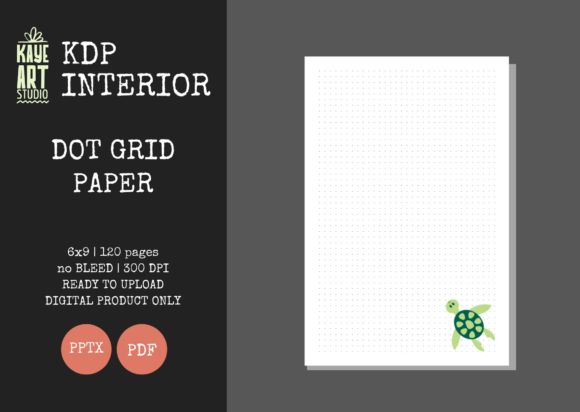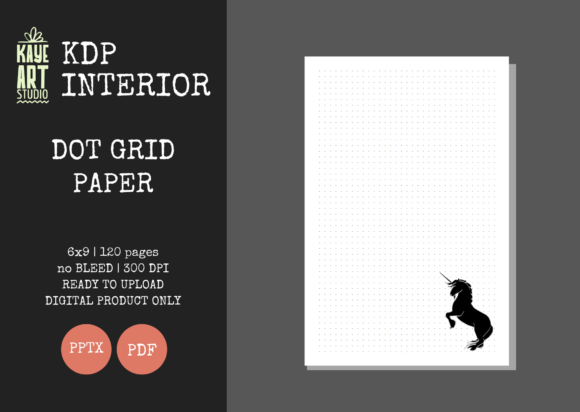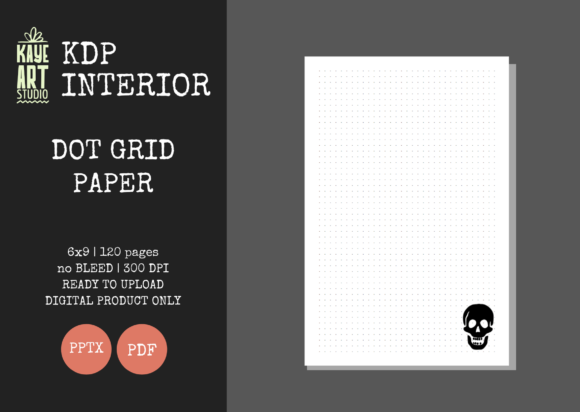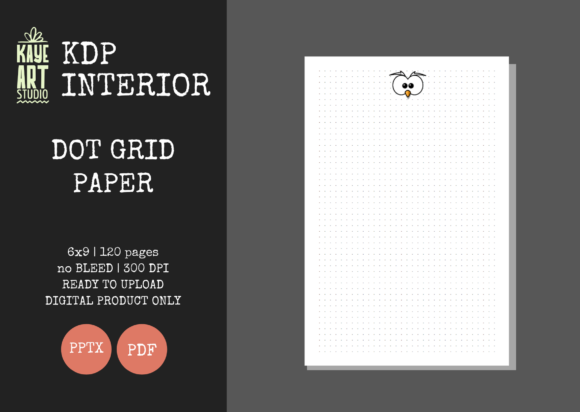
Evaluating KDP Dot Grid Paper 3 for Low-Content Publishing
Selecting the right interior template is often the most critical technical decision in low-content publishing. While cover design attracts the initial click, the interior determines customer satisfaction, review ratings, and long-term sales velocity. KDP Dot Grid Paper 3 represents a specific configuration within this niche, designed to balance production safety with user utility. For publishers aged 20 to 50 who are scaling their portfolios or refining their product quality, understanding the precise specifications of this template is essential for minimizing returns and maximizing positive feedback.
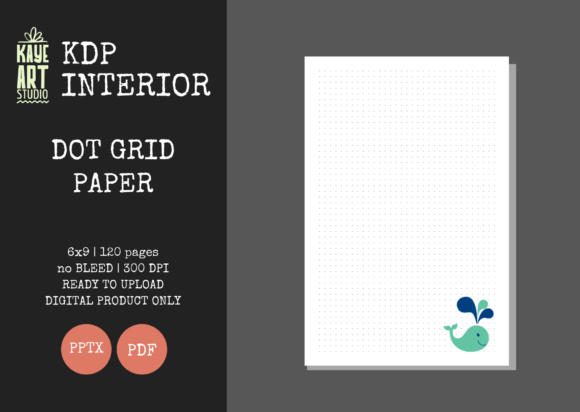
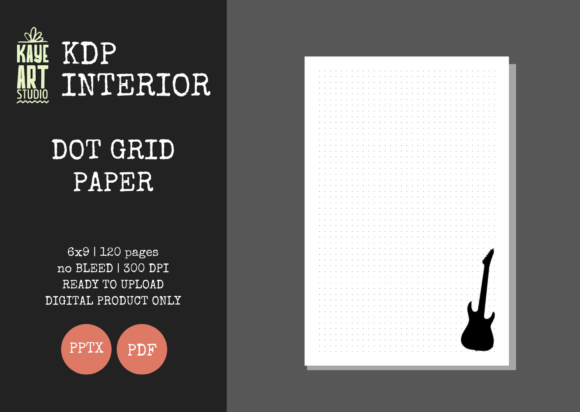
This resource is specifically engineered as a 6×9 inch, 120-page dot grid journal with no bleed settings. Unlike generic templates found on free repositories, KDP Dot Grid Paper 3 is provided in both high-resolution PDF and editable PPTX formats at 300 DPI. This dual-format approach addresses two distinct needs: immediate upload readiness and future customization. However, like any standardized tool, it presents specific tradeoffs when compared to custom-designed interiors or alternative market options. Evaluating these factors objectively helps determine if this specific asset aligns with your current publishing strategy.
Technical Specifications and Production Safety
The primary advantage of using a pre-validated template like KDP Dot Grid Paper 3 lies in risk mitigation. Amazon KDP’s printing tolerances can be unforgiving, particularly regarding margins and bleed. This template utilizes a strict "No Bleed" setting, which keeps all content safely within the printable area. For publishers who have previously faced rejection emails due to margin errors or content extending into the gutter, this specification eliminates a significant point of failure.
The 120-page count is another deliberate choice that warrants comparison. Many entry-level journals utilize 80 or 100 pages to reduce printing costs and allow for lower price points. However, 120 pages offers a higher perceived value without significantly increasing the spine width to a point where text placement becomes difficult for beginners. When evaluating this against thinner alternatives, consider the end-user's intent. A 120-page volume suggests a substantial notebook suitable for extended projects, whereas thinner volumes may be perceived as disposable notepads. The 300 DPI resolution ensures that the dots print crisply rather than appearing pixelated or gray, a common issue with lower-quality free assets that leads to negative reviews regarding "blurry interiors."
The Strategic Value of Editable PPTX Files
Most interior resources are delivered solely as static PDFs. While sufficient for immediate publishing, this limits long-term adaptability. KDP Dot Grid Paper 3 includes an editable PowerPoint file, which serves as a strategic asset for portfolio diversification. This allows publishers to modify the header, add branding elements, adjust dot spacing, or create variations without needing advanced graphic design software like Adobe InDesign.
When comparing this to hiring a designer or purchasing exclusive rights to custom interiors, the PPTX format offers a middle ground. It provides the flexibility of custom work at the cost efficiency of stock assets. For example, you might use the base PDF for a standard minimalist journal while utilizing the PPTX file to create a specialized version with prompts or tracking tables for a different niche. This capability is particularly relevant for publishers testing multiple sub-niches who need to iterate quickly without incurring additional design expenses per variation.
Comparative Analysis: Standardized vs. Custom Interiors
To make an informed decision, it is necessary to weigh KDP Dot Grid Paper 3 against other available categories of interiors. The market generally offers three tiers: free public domain templates, paid stock interiors (like this one), and fully custom designs.
- Free Templates: Often lack proper margin safety zones, may have inconsistent DPI, and are saturated across thousands of listings. They carry high risk of rejection and low differentiation potential.
- Paid Stock Interiors (KDP Dot Grid Paper 3): Offer verified technical specs, commercial licensing clarity, and moderate differentiation through editability. They balance safety with scalability but still share a foundational structure with other users of the same asset.
- Custom Designs: Provide complete uniqueness and brand alignment but require higher upfront investment and technical expertise. Best for established brands rather than testing phases.
KDP Dot Grid Paper 3 occupies the "verified stock" tier. It is superior to free options in terms of technical reliability and user experience but lacks the total exclusivity of custom work. Publishers must decide whether the time saved by using a pre-tested 6×9 no-bleed layout outweighs the desire for absolute uniqueness. For those building volume or validating a new niche, the standardized approach reduces friction. For those building a premium brand identity, this template may serve better as a prototype or secondary product line rather than a flagship offering.
Format Fit: Why 6×9 No Bleed?
The 6×9 trim size remains the industry standard for trade paperbacks and journals because it balances portability with writing surface area. When comparing KDP Dot Grid Paper 3 to larger formats like 8.5×11, consider the shipping and storage implications for both you (if ordering author copies) and the customer. The 6×9 form factor fits easily into bags and backpacks, making it preferable for daily carry journals. Larger formats are typically reserved for workbooks or desk references.
The "No Bleed" designation is equally significant. Bleed interiors allow content to extend to the edge of the page, which creates a modern aesthetic but introduces complexity in formatting and proofing. If your target audience values clean, framed layouts or if you are new to KDP formatting, the no-bleed constraint of this template acts as a guardrail. Conversely, if you are targeting a luxury aesthetic where edge-to-edge printing is expected, this specific template would not meet those visual requirements. Understanding this distinction prevents misalignment between product specs and market expectations.
Decision Factors and Best-Fit Scenarios
Determining whether KDP Dot Grid Paper 3 is the right resource requires honest assessment of your current business stage and goals. This template is not a universal solution; it excels in specific contexts while falling short in others.
Ideal Use Cases:
- New Publisher Validation: When testing whether dot grid journals sell in a specific micro-niche without investing in custom design.
- Portfolio Expansion: When you need to add reliable, technically sound products to your catalog quickly to increase overall visibility.
- Bundling and Series Creation: Using the editable PPTX to create consistent branding across multiple related journals.
- Risk-Averse Publishing: When previous margin errors have caused account warnings or lost revenue, and technical safety is the priority.
Situations Requiring Alternatives:
- Premium/Luxury Positioning: If your brand commands a $15+ price point, customers may expect unique layouts or specialty paper effects that standard stock cannot provide.
- Specialized Functionality: If the journal requires specific tracking grids, calendars, or instructional content that differs from standard dot grid spacing.
- Bleed-Dependent Aesthetics: If your cover and interior design concept relies on full-bleed artwork or patterns.
Cover Considerations and Integration
It is crucial to note that KDP Dot Grid Paper 3 is an interior-only resource. This necessitates separate cover creation, which introduces another variable in your production workflow. When pairing this interior with a cover, ensure visual coherence. A minimalist, structured interior pairs best with covers that reflect similar organizational principles. Avoid overly chaotic or glossy cover designs that promise a different experience than what the clean, no-bleed dot grid delivers inside. Misalignment between cover promise and interior reality is a primary driver of negative reviews in the low-content space.
Additionally, verify that your cover dimensions match the 6×9 no-bleed specifications exactly. Even though the interior is pre-sized, cover miscalculations remain common. Use KDP’s cover calculator with the 120-page count to generate accurate templates before finalizing your design. The separation of interior and cover assets allows for greater flexibility—you can test multiple covers against the same validated interior—but it also places the burden of dimensional accuracy squarely on the publisher.
Making an Informed Selection
Ultimately, KDP Dot Grid Paper 3 serves as a foundational infrastructure component rather than a creative differentiator. Its value proposition centers on reliability, editability, and appropriate sizing for the mainstream journal market. Publishers should view it as a tool for efficient execution rather than a shortcut to guaranteed sales. Success in low-content publishing depends on matching the right interior specifications to genuine user needs, and this template fulfills that requirement for standard dot grid applications.
Before purchasing or uploading, audit your existing catalog against these specifications. If you already possess similar 6×9 no-bleed dot grid interiors, evaluate whether the editable PPTX feature adds meaningful value to your workflow. If you are entering the space fresh or recovering from technical issues, the validated nature of this asset provides a stable starting point. By focusing on technical fit and strategic application rather than novelty, publishers can build sustainable portfolios that withstand platform changes and evolving customer expectations.