KDP Dot Grid Paper 91: A Practical Interior for Low-Content Publishing
In the evolving landscape of self-publishing, particularly within the Amazon Kindle Direct Publishing (KDP) ecosystem, the quality and specificity of interior files often determine the success of a low-content book. While covers attract the initial click, it is the interior experience that generates reviews and repeat customers. KDP Dot Grid Paper 91 represents a specialized solution designed to streamline the creation process for publishers focusing on no and low-content niches. This resource is not merely a blank template; it is a calibrated tool engineered to meet the exacting technical standards of print-on-demand publishing while offering the flexibility required for creative customization.
For entrepreneurs, designers, and hobbyists entering the journal market, understanding the nuances of this specific dot grid layout is essential. It bridges the gap between generic templates and professional-grade publishing assets, providing a foundation that supports both aesthetic appeal and functional utility.
The Strategic Value of Specialized Interiors
The low-content book market has matured significantly. Early entrants could succeed with basic lined paper or simple grids, but today’s consumers demand intentionality in design. KDP Dot Grid Paper 91 addresses this shift by offering a pre-formatted interior that eliminates common publishing errors. The primary value proposition lies in its adherence to KDP’s strict printing guidelines, specifically regarding trim size and bleed settings.
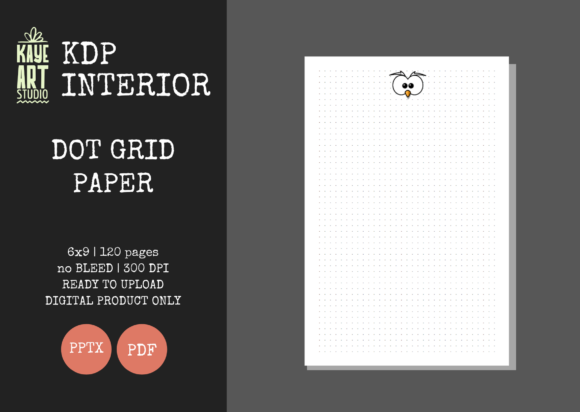
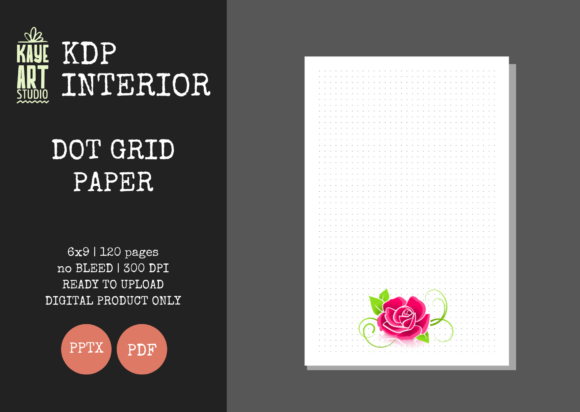
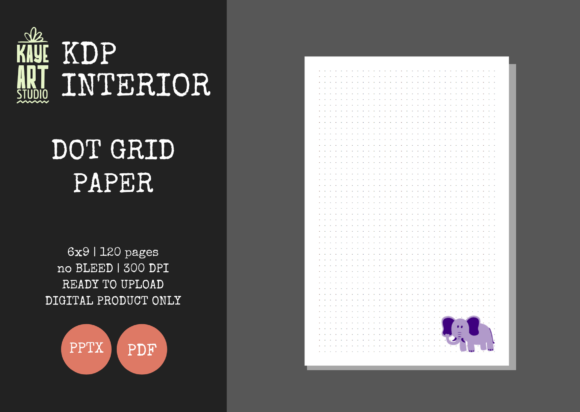
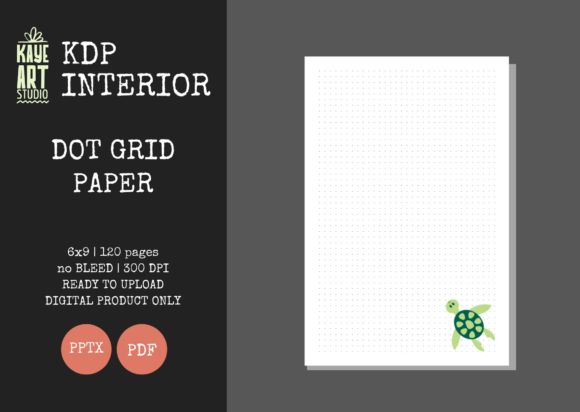
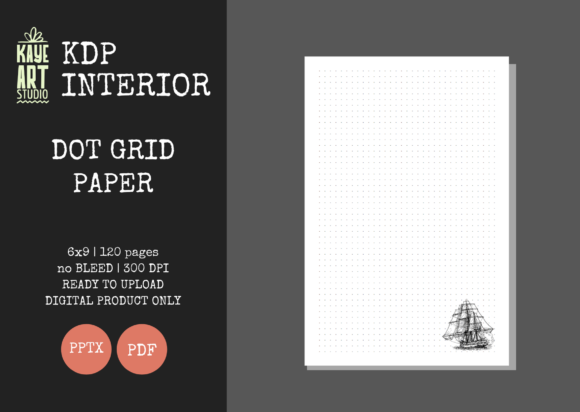
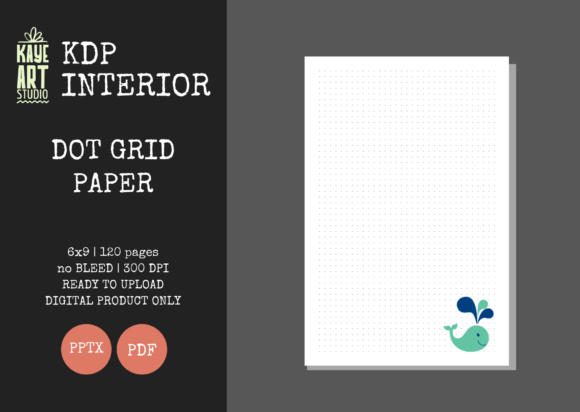
This particular asset is configured for a 6×9 inch trim size, which remains the industry standard for trade paperbacks, journals, and notebooks. This dimension offers an optimal balance between portability and writing space, making it versatile enough for students, professionals, and creatives. More importantly, the file is set up with no bleed margins. Understanding bleed is critical for new publishers; a no-bleed setting means the content does not extend to the very edge of the page. This configuration is safer for beginners and ensures that vital grid lines are never trimmed off during the manufacturing process, preserving the integrity of the user's writing or drawing area.
Technical Specifications and File Integrity
When evaluating any KDP interior, technical compliance is non-negotiable. KDP Dot Grid Paper 91 is delivered with specifications that have been rigorously tested against KDP’s upload validation systems. The key technical attributes include:
- Page Count: 120 pages, providing substantial volume for a journal without resulting in excessive spine width or printing costs.
- Resolution: 300 DPI (Dots Per Inch), ensuring crisp, clean dots that do not appear pixelated or blurry in print.
- File Formats: Includes both PDF and PPTX files, catering to different workflow preferences.
- Bleed Configuration: Strictly NO BLEED, simplifying the cover design alignment process.
The inclusion of a 300 DPI resolution is particularly significant for dot grid papers. Unlike solid lines, dots can sometimes appear faint or jagged if the resolution is insufficient. High-resolution sourcing ensures that the grid serves as a subtle guide rather than a visual distraction, maintaining the premium feel expected by modern journal users.
Flexibility Through Editable Source Files
One of the most distinct advantages of utilizing KDP Dot Grid Paper 91 over static PDF-only alternatives is the inclusion of an editable PowerPoint (PPTX) file. While PDFs are excellent for final uploads, they are inherently rigid. The PPTX format transforms this product from a finished good into a malleable design asset.
For publishers building a brand series, consistency is key. The editable file allows you to modify margins, adjust dot opacity, add branding elements such as logos or footers, or even alter the grid spacing to suit specific niches like bullet journaling or technical sketching. This capability reduces the need to purchase multiple variations of interiors. Instead, a single master file can be adapted to create a cohesive line of products, saving both time and financial investment.
Furthermore, PowerPoint is a widely accessible tool. Unlike Adobe InDesign or Affinity Publisher, which require specialized learning curves and subscriptions, PowerPoint lowers the barrier to entry. This makes KDP Dot Grid Paper 91 an accessible starting point for creators who may not yet be proficient in professional desktop publishing software but still require professional results.
Real-World Applications and Audience Fit
Understanding where this specific interior fits within the broader market helps in positioning your book effectively. The 6×9 dot grid format supported by KDP Dot Grid Paper 91 is uniquely suited for several high-demand categories:
- Bullet Journaling: The dot grid provides structure without confinement, allowing users to create custom layouts, habit trackers, and calendars. The 120-page count is ideal for quarterly or monthly planners.
- STEM Notebooks: Engineering, architecture, and design students often prefer dot grids for sketching diagrams and graphing functions where precise alignment matters but full graph paper feels too restrictive.
- Creative Sketching: Artists use dot grids for perspective drawing and proportion practice. The no-bleed format ensures a comfortable margin for holding the book without obscuring the work area.
- Professional Meeting Notes: For business professionals who prefer structured note-taking methods like Cornell notes, the dot grid offers a cleaner alternative to college-ruled paper.
By targeting these specific use cases, publishers can move beyond generic "notebook" keywords and capture long-tail search traffic from users seeking functional tools rather than just blank paper.
Navigating Limitations and Best Practices
While KDP Dot Grid Paper 91 offers significant advantages, it is important to approach its use with realistic expectations and proper workflow management. Prospective users should note that this listing is for the interior only. You must create or commission your own cover. This separation of assets is standard in KDP publishing but requires coordination to ensure the cover’s spine width matches the 120-page interior exactly.
Additionally, the "no bleed" setting, while safer, imposes design constraints. If you intend to add decorative borders or background colors that touch the page edge in your editable version, you will need to switch to a bleed-enabled template and adjust your settings accordingly. Using the no-bleed version for edge-to-edge designs will result in unwanted white borders or rejection during upload.
Publishers should also consider paper opacity. KDP standard color paper is 55# (90 GSM). While 300 DPI dots print beautifully, heavy marker use or fountain pens may cause ghosting. It is best practice to include a disclaimer or usage guide in your book description, recommending gel pens, pencils, or ballpoints to manage customer expectations and prevent negative reviews related to paper quality rather than content design.
Evaluating Suitability for Your Business Model
Is KDP Dot Grid Paper 91 the right choice for your current project? Consider the following evaluation criteria:
- If you prioritize speed to market: Yes. The pre-tested, ready-for-upload nature eliminates hours of formatting and troubleshooting.
- If you require full-bleed artwork: No, not without modification. You would need to source a bleed-specific template or manually adjust margins in the PPTX file, which carries some risk.
- If you are building a scalable brand: Yes. The editable PPTX file supports long-term product development and brand consistency.
- If you need unique page counts: Partially. You can delete slides in PowerPoint to reduce pages, but adding significant bulk may affect pagination and layout flow.
Ultimately, this interior serves as a robust foundation for serious low-content publishers. It removes the technical friction associated with KDP formatting, allowing creators to focus on what truly drives sales: niche research, keyword optimization, and compelling cover design. By leveraging a professionally calibrated asset like KDP Dot Grid Paper 91, you ensure that the customer’s physical experience with your book matches the promise made by your digital listing.
In a marketplace saturated with low-effort entries, quality differentiation is the path to sustainability. Utilizing tested, high-resolution, and editable interiors is not just a convenience—it is a strategic business decision that signals professionalism and respect for the end user. Whether you are launching your first journal or expanding an existing catalog, ensuring your interior files are technically sound and functionally appropriate is the first step toward building a reputable publishing business.