KDP Dot Grid Paper 12: A Practical Interior Asset for Low-Content Publishing
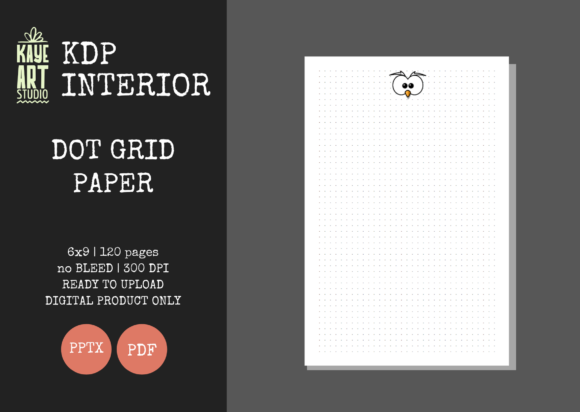
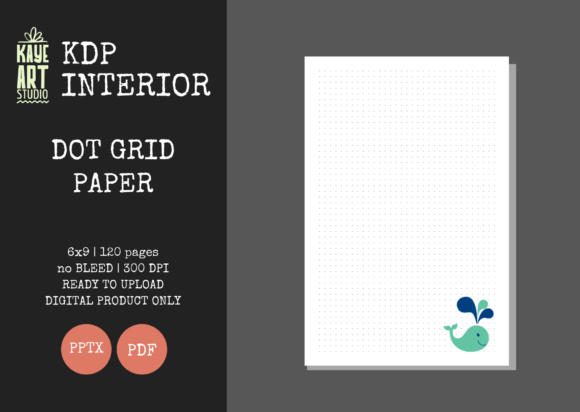
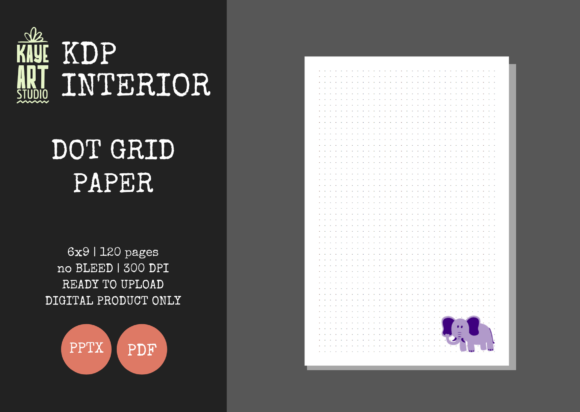
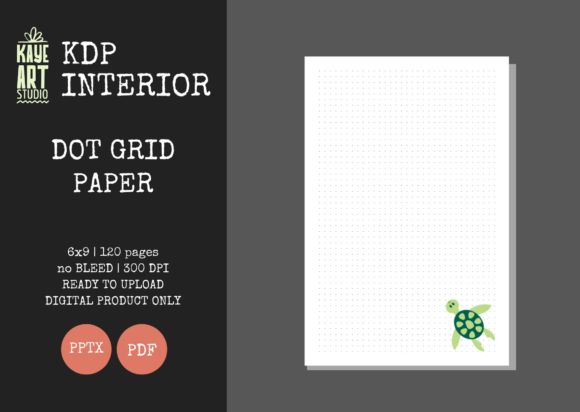
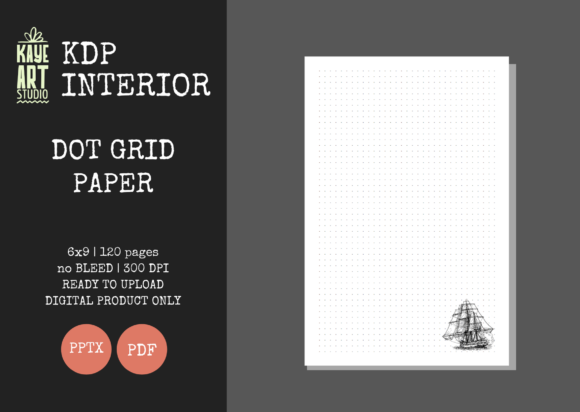
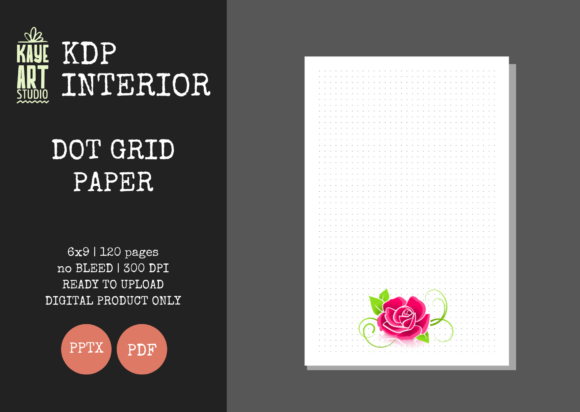
For self-publishers operating within the Amazon KDP ecosystem, the efficiency of interior design often dictates the viability of a low-content book strategy. KDP Dot Grid Paper 12 represents a specific, utilitarian asset designed to streamline the creation of functional journals. Unlike lined or blank paper, dot grid interiors occupy a versatile middle ground that appeals to planners, sketchers, and note-takers who require structure without visual clutter. This particular resource provides a standardized 6x9 inch template with 120 pages, formatted specifically for no-bleed printing. Its primary value lies not in artistic novelty, but in its technical readiness and adaptability for publishers who need reliable, pre-tested files to accelerate their production workflow.
Technical Specifications and Print Readiness
The most critical aspect of any KDP interior is its adherence to Amazon’s evolving print specifications. KDP Dot Grid Paper 12 is engineered with a "no bleed" configuration, which significantly reduces the margin for error during the upload process. In a no-bleed setup, all content must remain within a defined safe zone to prevent trimming issues. This template accounts for those margins automatically, ensuring that the dot pattern remains consistent and centered across all 120 pages.
The file is delivered at 300 DPI, the industry standard for crisp print reproduction. While digital screens can mask low-resolution artifacts, physical printing exposes them immediately. At this resolution, the dots appear sharp rather than pixelated or fuzzy, which is essential for maintaining a professional perception of quality. The inclusion of both PDF and PPTX formats addresses two distinct needs: the PDF serves as the final, locked submission file for KDP, while the PowerPoint source file allows for customization. This dual-format delivery is a significant practical advantage, as it eliminates the need to recreate grid patterns from scratch if you wish to adjust opacity, dot size, or add proprietary branding elements.
Evaluating the No-Bleed Advantage
Choosing a no-bleed interior like KDP Dot Grid Paper 12 simplifies the publishing logistics. Bleed interiors require precise edge-to-edge alignment and larger trim sizes to account for cutting variance. For a simple dot grid journal, bleed is rarely necessary and often introduces unnecessary complexity. By utilizing a no-bleed template, publishers can avoid common rejection notices related to margin violations. This makes the asset particularly suitable for those scaling their catalog who cannot afford to spend hours troubleshooting formatting errors on basic utility books.
Market Utility and Audience Alignment
Understanding who actually buys and uses dot grid journals is vital for effective positioning. The audience for this interior type is generally more discerning than the market for standard lined notebooks. Users typically fall into categories such as bullet journalists, architects, designers, students, and professionals who prefer structured freedom. They choose dot grids because the points provide guidance for drawing straight lines, creating charts, or practicing hand-lettering without the visual dominance of horizontal rules.
KDP Dot Grid Paper 12 caters to this demographic by offering a clean, unobtrusive layout. The 6x9 inch trim size is arguably the most popular form factor for this niche. It is portable enough for daily carry yet offers sufficient surface area for detailed planning or sketching. When evaluating this asset, consider that your potential customers are looking for functionality. They are less likely to be swayed by flashy marketing and more likely to purchase based on the preview of the interior pages. A consistent, well-spaced grid signals that the publisher understands the end-user's needs.
Versatility Across Niches
One of the strengths of this specific interior is its cross-niche applicability. While primarily marketed as a general journal, the editable nature of the PPTX file allows it to serve as a foundation for specialized publications:
- Bullet Journals: The classic use case, requiring consistent spacing for rapid logging and migration.
- Math and Science Notebooks: Ideal for graphing, geometry, and technical diagrams where alignment matters.
- Creative Sketchbooks: Provides perspective guides for artists without interfering with the artwork.
- Project Planners: Useful for Gantt charts, wireframing, and UI/UX design sketches.
- Language Learning: Helpful for practicing character-based scripts like Kanji or Hanzi that require proportional spacing.
This flexibility means that a single purchase of KDP Dot Grid Paper 12 can support multiple product listings, provided you differentiate them through unique covers and targeted metadata.
Workflow Integration and Customization
For serious KDP businesses, time is the most constrained resource. Creating a flawless 120-page dot grid manually in InDesign or Illustrator can take considerable time, especially when accounting for gutter margins and safe zones. This pre-made interior acts as a plug-and-play solution. However, the true professional value emerges when utilizing the editable PowerPoint file.
PowerPoint is often underestimated in publishing workflows, but for low-content interiors, it is remarkably efficient. You can easily modify the master slide to change the dot color from black to grey (which many users prefer for reduced visual noise), adjust the grid spacing, or insert a footer with page numbers or a website URL. Because the file has been tested on KDP, these modifications are generally safe as long as you respect the original margin boundaries. This capability transforms a generic commodity into a branded asset, allowing you to build recognition across your catalog.
Quality Assurance and Testing
A notable feature of this listing is the assertion that files have been tested on KDP. In the low-content space, many sellers distribute templates that technically meet dimensions but fail automated review due to subtle encoding issues or margin miscalculations. Using a pre-validated file reduces the risk of publication delays. Nevertheless, best practice dictates that you should always run your final customized PDF through the KDP Previewer before ordering a proof or hitting publish. Variations in software versions or export settings can occasionally introduce shifts, so treating this asset as a verified starting point rather than an infallible final product is the prudent approach.
Strategic Considerations and Limitations
While KDP Dot Grid Paper 12 offers substantial utility, it is important to maintain realistic expectations. This listing is for the interior only. Success in the low-content market relies heavily on cover design and keyword research. A perfect interior will not sell if the cover does not resonate with the target audience or if the book is invisible in search results. Publishers must invest equal or greater effort into external presentation and SEO.
Additionally, the dot grid market is competitive. Simply uploading this interior without differentiation is unlikely to yield significant results. Professional publishers use this template as a baseline, adding value through custom introductory pages, indexing sections, or niche-specific prompts. The editable PPTX file facilitates this value-add strategy, but it requires creative input from the user.
There is also the consideration of paper quality inherent to KDP itself. Standard color printing on 55# or 60# white paper is adequate for pencils and ballpoints but may show bleed-through with markers or fountain pens. This is a platform limitation, not a fault of the digital template. However, being transparent about this in your book description helps manage customer expectations and reduces negative reviews. Positioning the book as a pencil-friendly planner or sketchbook aligns better with the physical realities of print-on-demand production.
Assessing Long-Term Value
For entrepreneurs, freelancers, and small business owners building a KDP portfolio, assets like KDP Dot Grid Paper 12 represent an investment in infrastructure. The cost-benefit analysis favors purchasing over creating if your hourly rate exceeds the time required to build and test a comparable file. More importantly, it establishes a consistent quality benchmark across your publications.
Reliability in file formatting translates to reliability in customer experience. When buyers know that your journals consistently feature properly aligned grids, correct margins, and clean printing, they are more likely to return for future purchases. This asset supports that consistency. It removes the technical friction from the creation process, allowing you to focus on market research, cover design, and advertising strategies that actually drive revenue.
Ultimately, KDP Dot Grid Paper 12 is a functional tool for a specific business model. It excels at providing a safe, standard, and customizable foundation for no-bleed journals. It is best suited for publishers who understand that the interior is merely one component of a successful product and who are prepared to leverage the editable features to create something distinct. For those seeking to scale their low-content operations with reduced technical risk and improved workflow efficiency, this template offers a pragmatic solution that balances convenience with professional standards.